Digital pilot logbook
Log the flight once.
Everything else keeps itself current.
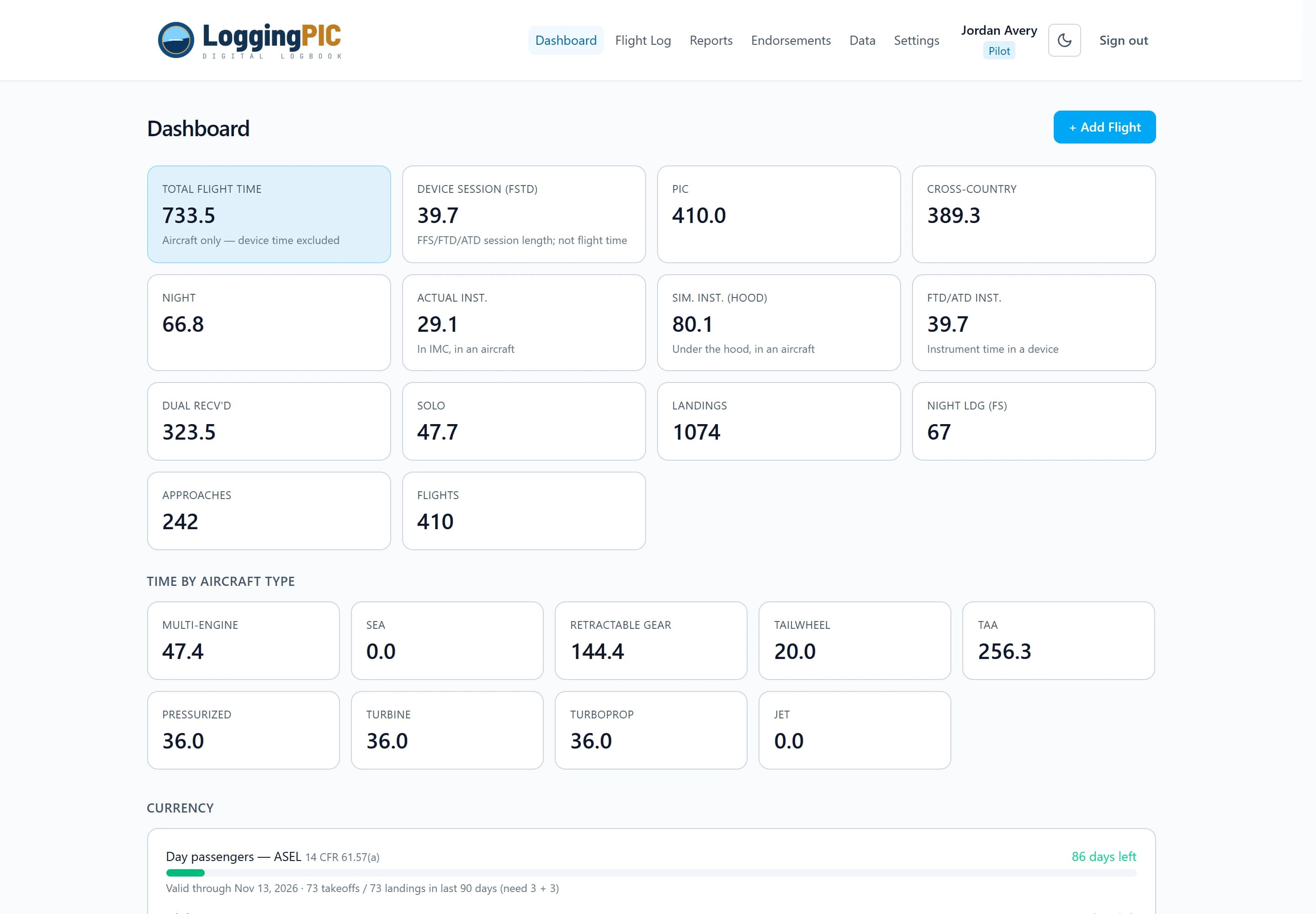
Totals, PIC and dual splits, night and cross-country time, currency windows, rating progress, and your FAA 8710 experience grid are all derived from your flights — so they are never out of step with each other, and there is nothing to tally by hand.
Free to use — no credit card required.
Three steps, then it stays current on its own
- 1
Bring your history over
Import a CSV from ForeFlight, Garmin Pilot, LogTen Pro, Logbook Pro, or a spreadsheet. Review the column mapping, then import — duplicates are skipped and aircraft are created for you.
- 2
Log each flight once
Pick the aircraft, enter the time buckets and landings. Hobbs or block times can fill in the total for you, and a training device unmounts the fields it can't produce.
- 3
Read the answers off the app
Totals, currency, rating progress, the 8710 grid, and every report recompute from your flights — so fixing one entry fixes all of them at once.
Logging
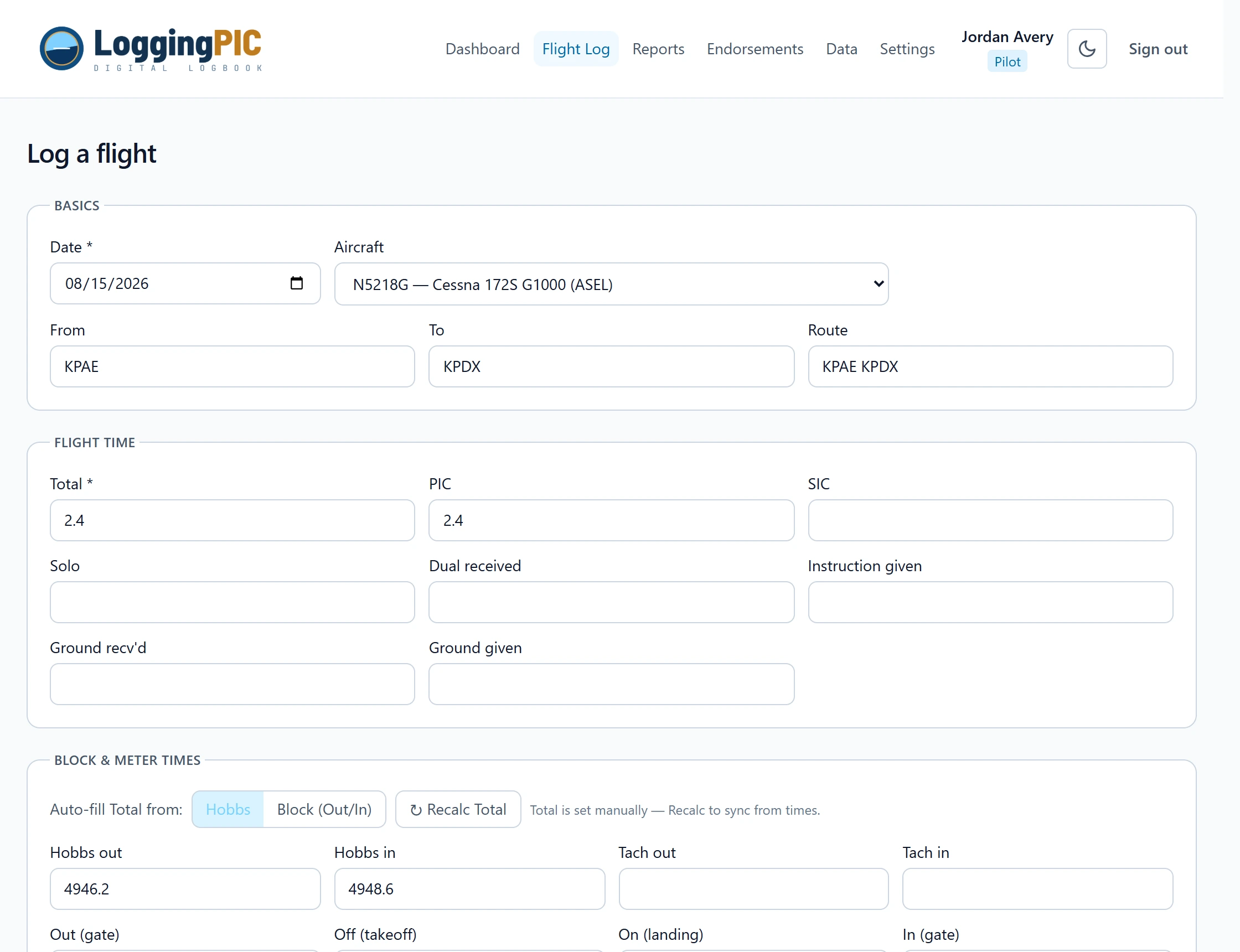
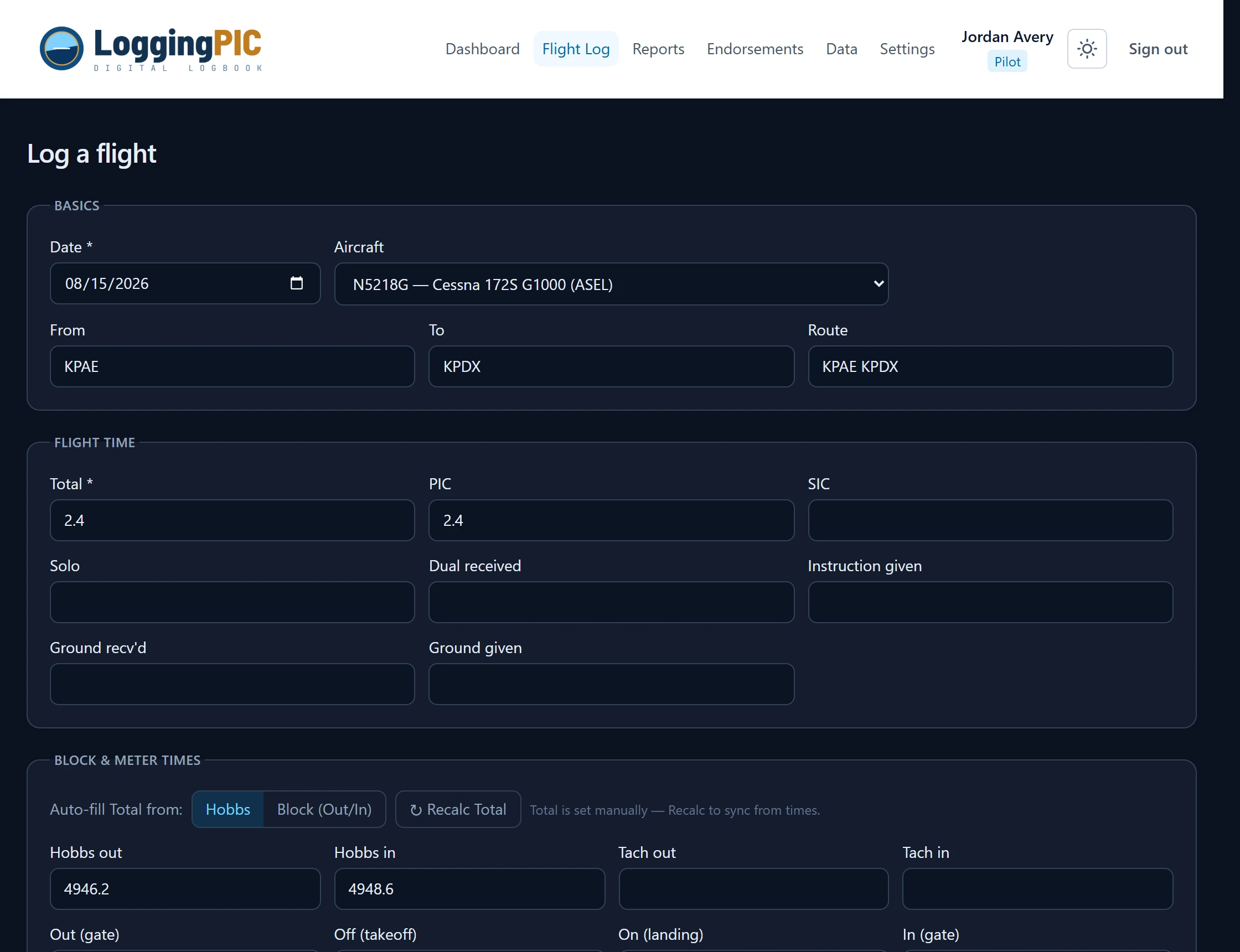
An entry form that matches the way you actually log
Every column of a paper logbook, plus the parts a paper page can't do for you. Hour buckets overlap the way 14 CFR 61.51 expects — a flight can be PIC, cross-country and night at the same time — and the role × condition breakdown is derived unless you want to state it yourself.
- • Auto-fill the total from Hobbs or from block out/in times
- • Approaches, holds, and day/night full-stop landings
- • Cross-country flagged against the >50 NM rule for ratings
- • Device sessions hide the fields a simulator cannot produce
Your logbook
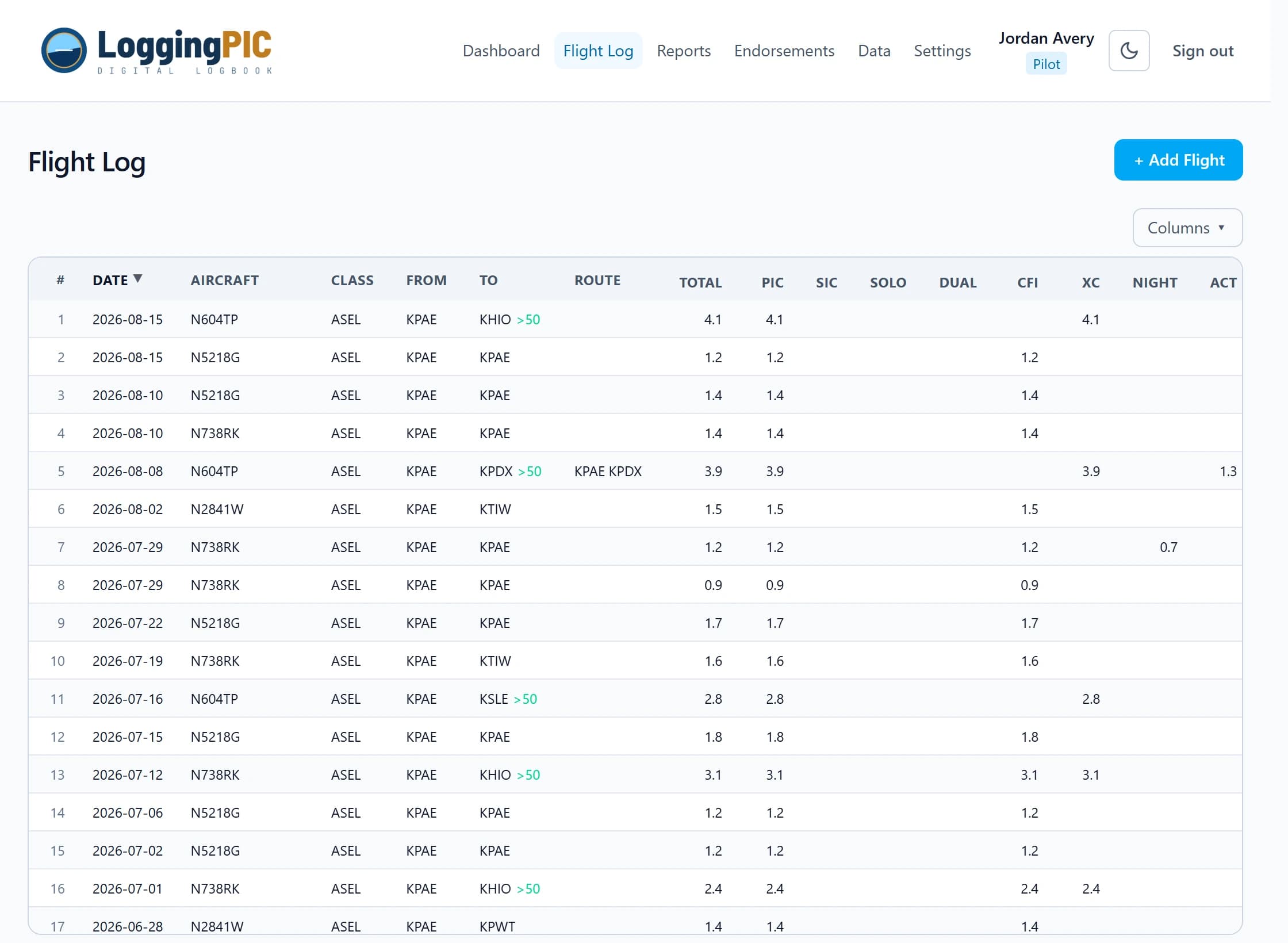
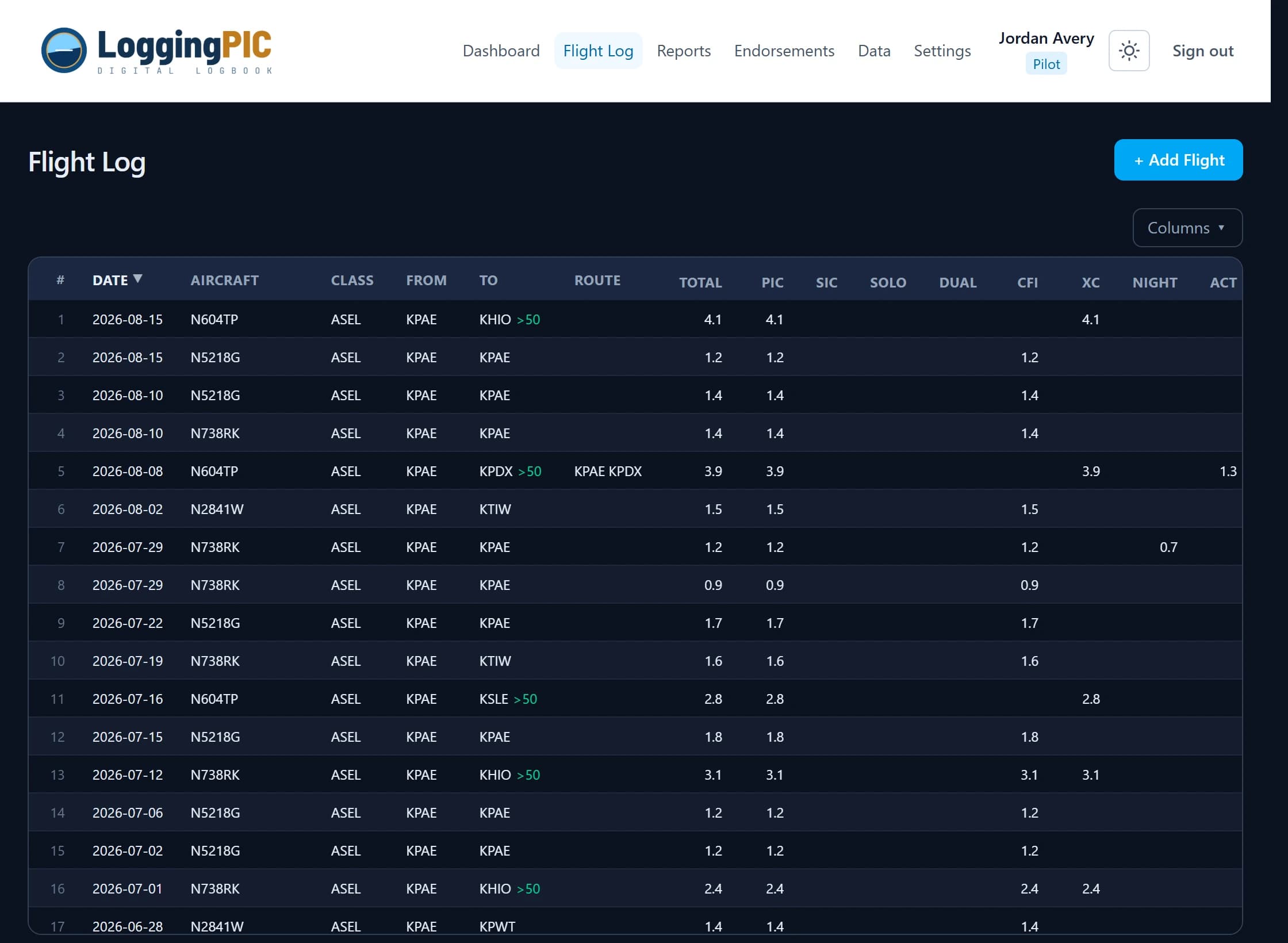
The whole log, sorted and shaped your way
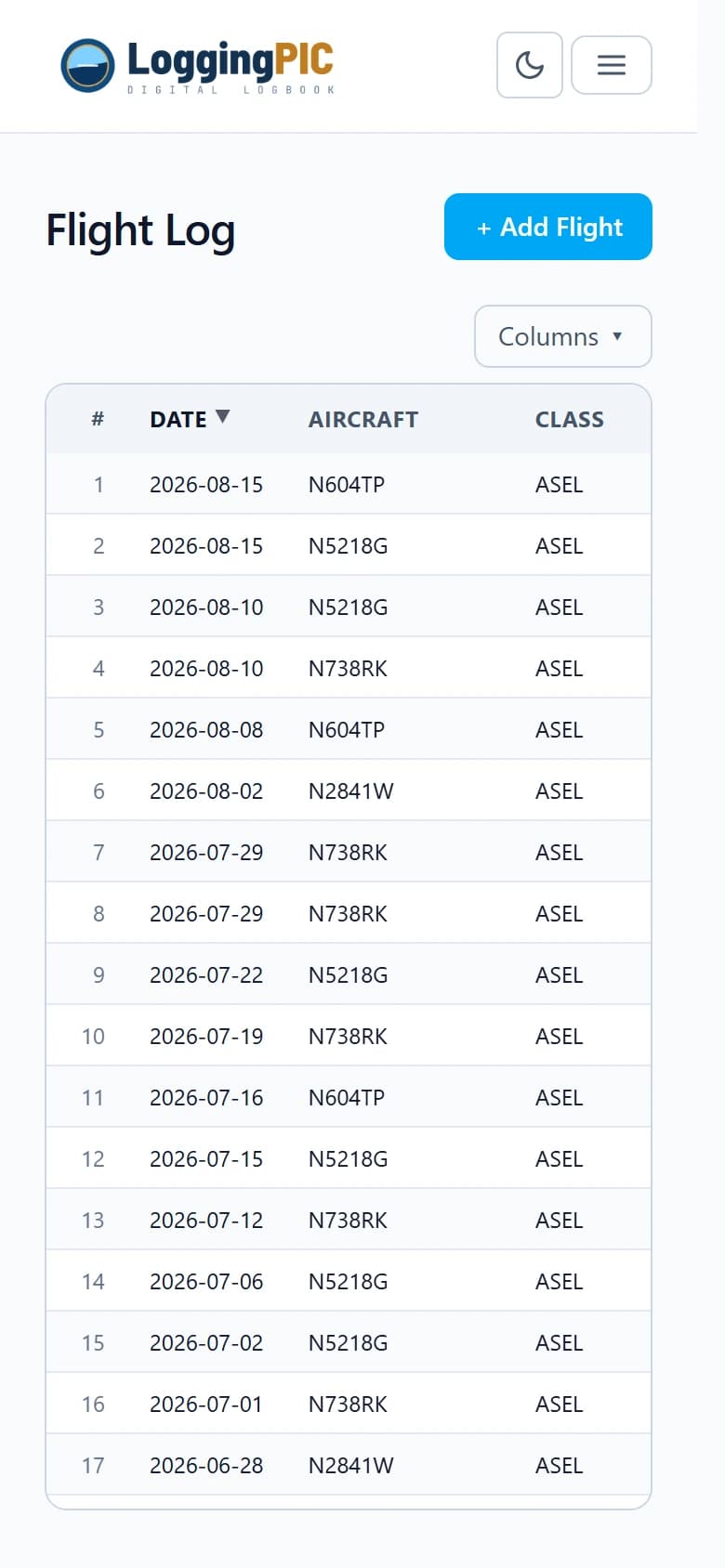
Every flight in one grid, newest first by default. Sort on any column, choose which columns appear and in what order, and keep that layout on each device. Thousands of entries page in without being silently cut off.
- • Show, hide and reorder columns — saved per device
- • Bulk-edit the >50 NM cross-country flag after an import
- • Numbered, banded rows that stay readable at a glance
Progress & currency
Know exactly what you still need
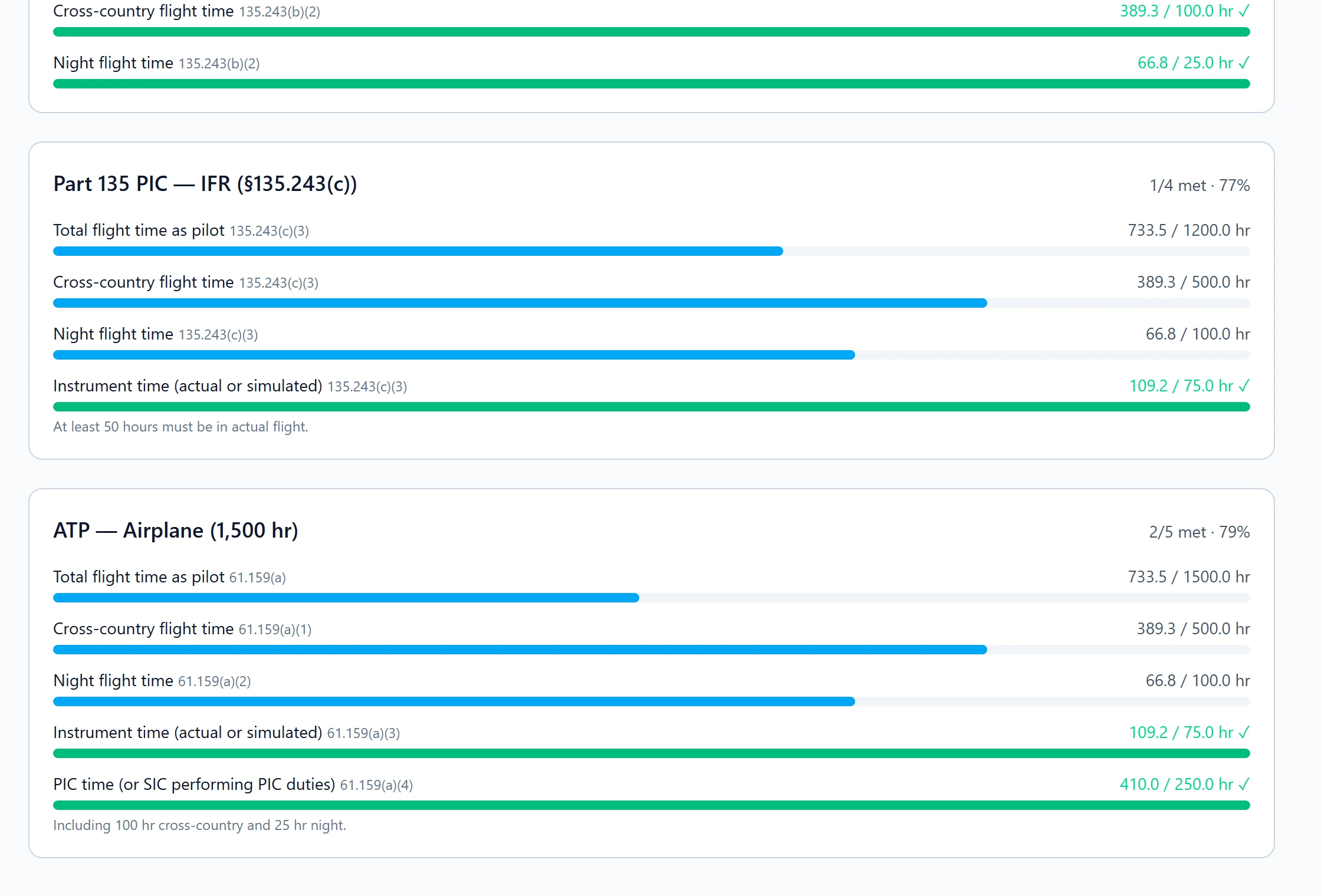
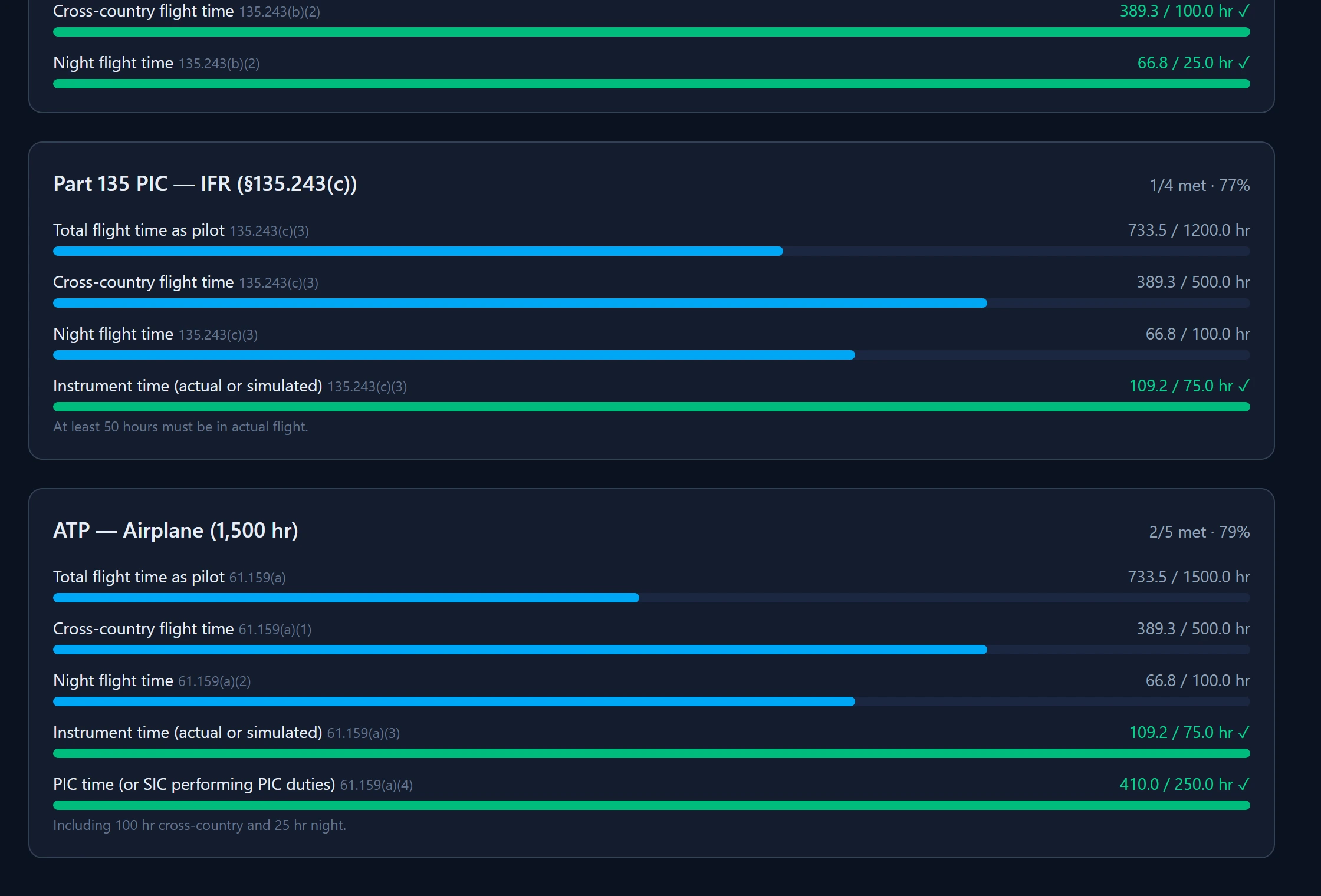
Aeronautical-experience minimums for Private, Instrument, Commercial, Part 135 PIC (VFR and IFR) and the 1,500-hour ATP, each metered against what you have logged. On the dashboard, day and night passenger currency, IFR currency, your flight review and your medical each show a status and the date they lapse.
Checkride prep
Your 8710 experience, already in the right shape
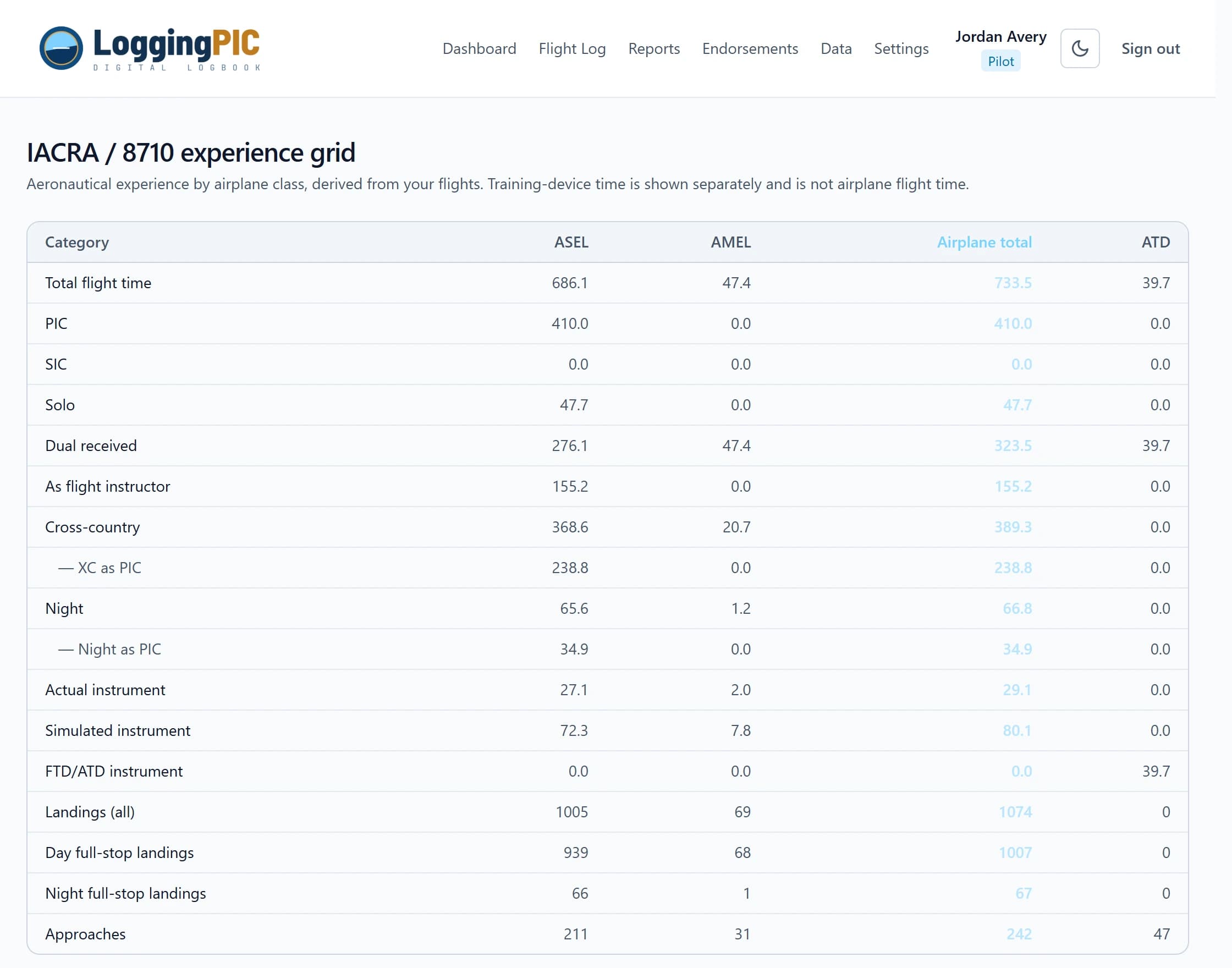
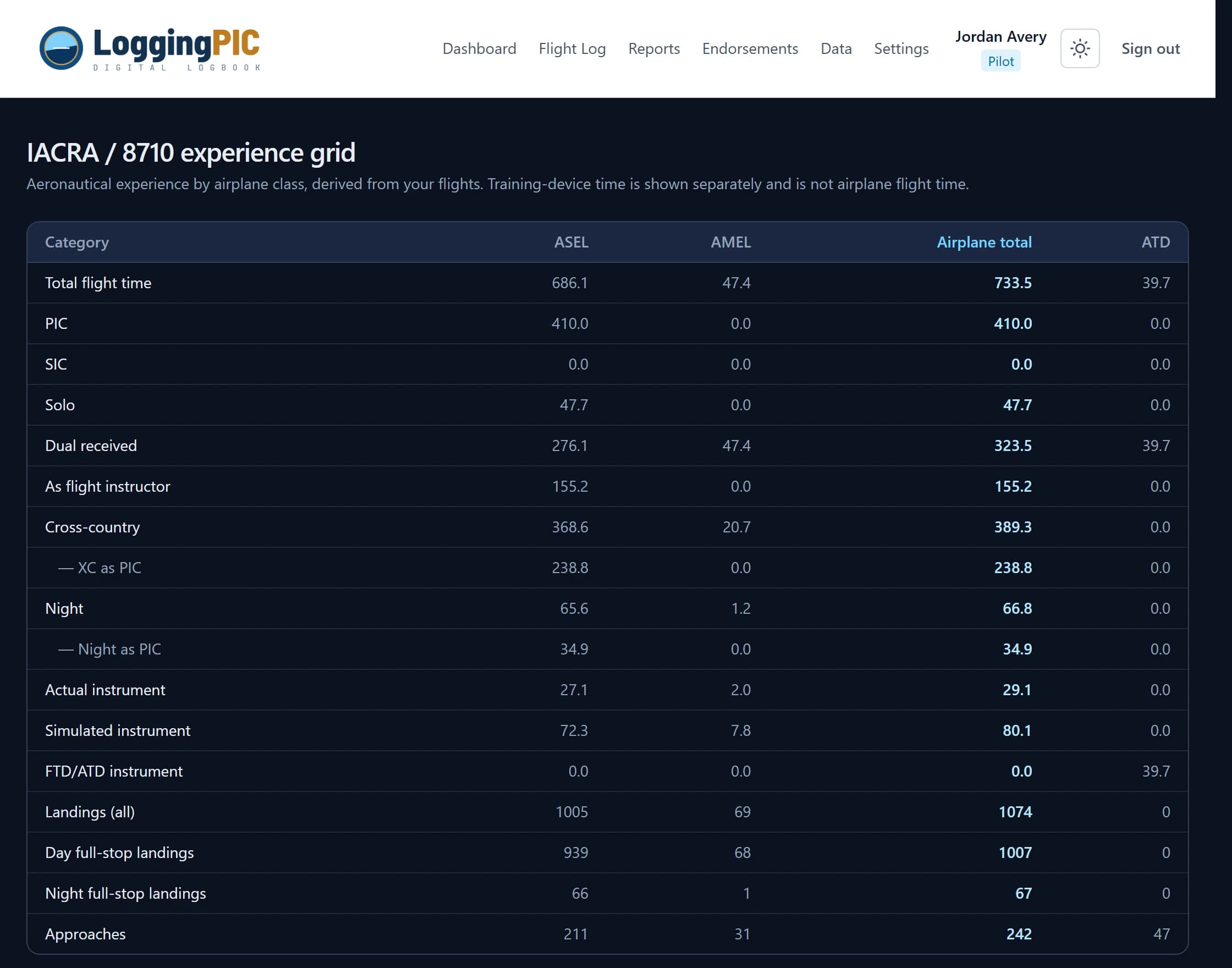
Aeronautical experience broken out by airplane class, in the order the FAA form asks for it — with training-device time in its own columns where it belongs, clearly outside the airplane total. When it is time to fill in IACRA, you are reading numbers off a grid rather than adding up a paper page.
And the rest of the job
The parts of keeping a logbook that aren't entering flights.
Aircraft with equipment flags
Record each airframe once — class, engine, gear, TAA, tailwheel, pressurized. Flag an aircraft retractable and every flight in it counts toward complex time, retroactively.
Training-device time, kept honest
FFS, FTD and ATD sessions are logged and reported separately, never folded into flight time — with hood time and FTD/ATD instrument time as distinct buckets.
Digital endorsements
Store the endorsements you already have, or send your CFI a secure link to sign a new one — typed or drawn. Upload a scan of a paper endorsement to keep everything in one place.
Summaries by anything
Group total time by model, tail number, make, class, year, month, or instructor — then export the pivot as CSV for an insurance form or a job application.
Print or save as PDF
A clean printable logbook, a one-page experience summary for checkride prep, and a rolling 90-day / 6 / 12 / 24-month recency snapshot — all print light, whatever theme you use.
Your data, never locked in
Download a complete CSV whenever you want — generic or LogTen Pro-shaped. A weekly reminder nudges you to keep a backup. Cancel and your logbook stays exportable.
Anywhere
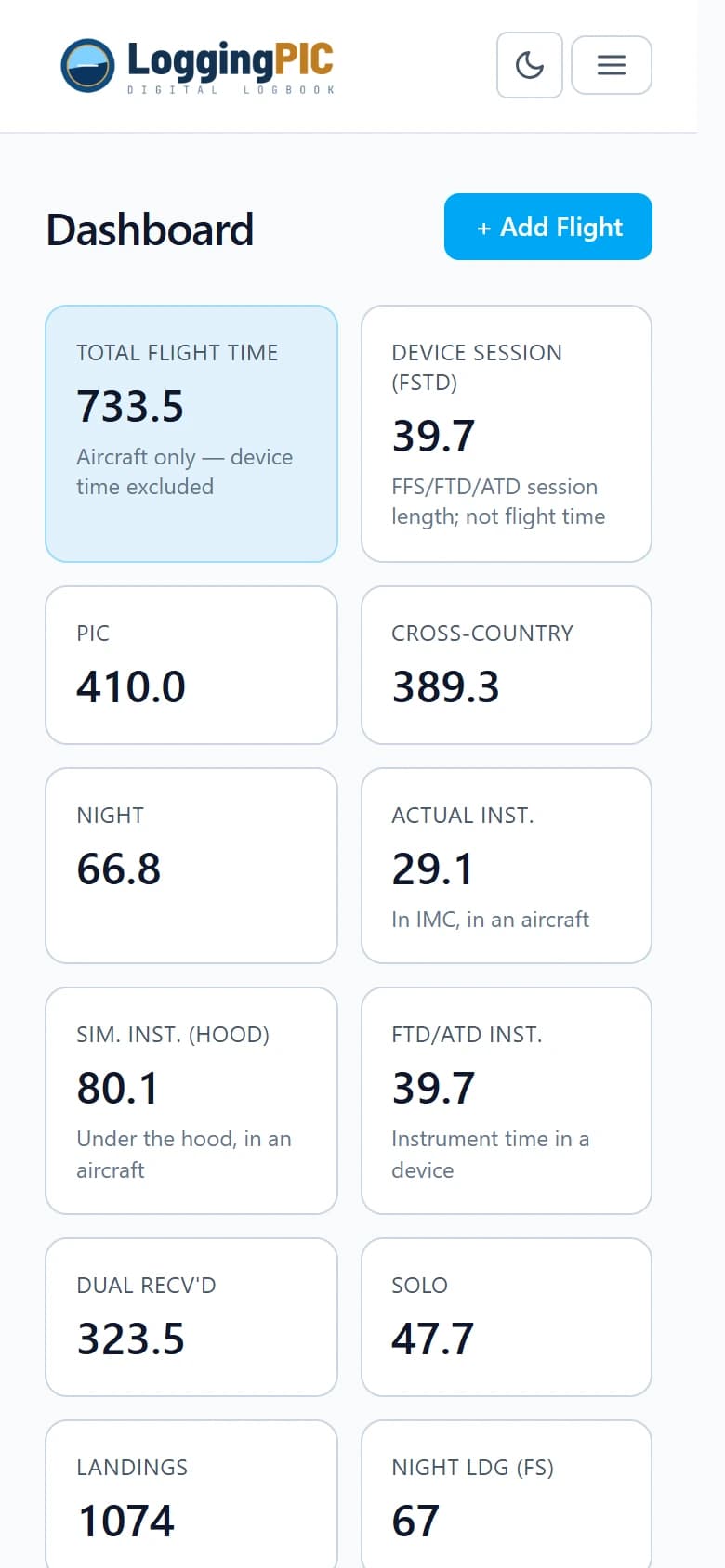
On the ramp, in the dark, on a phone
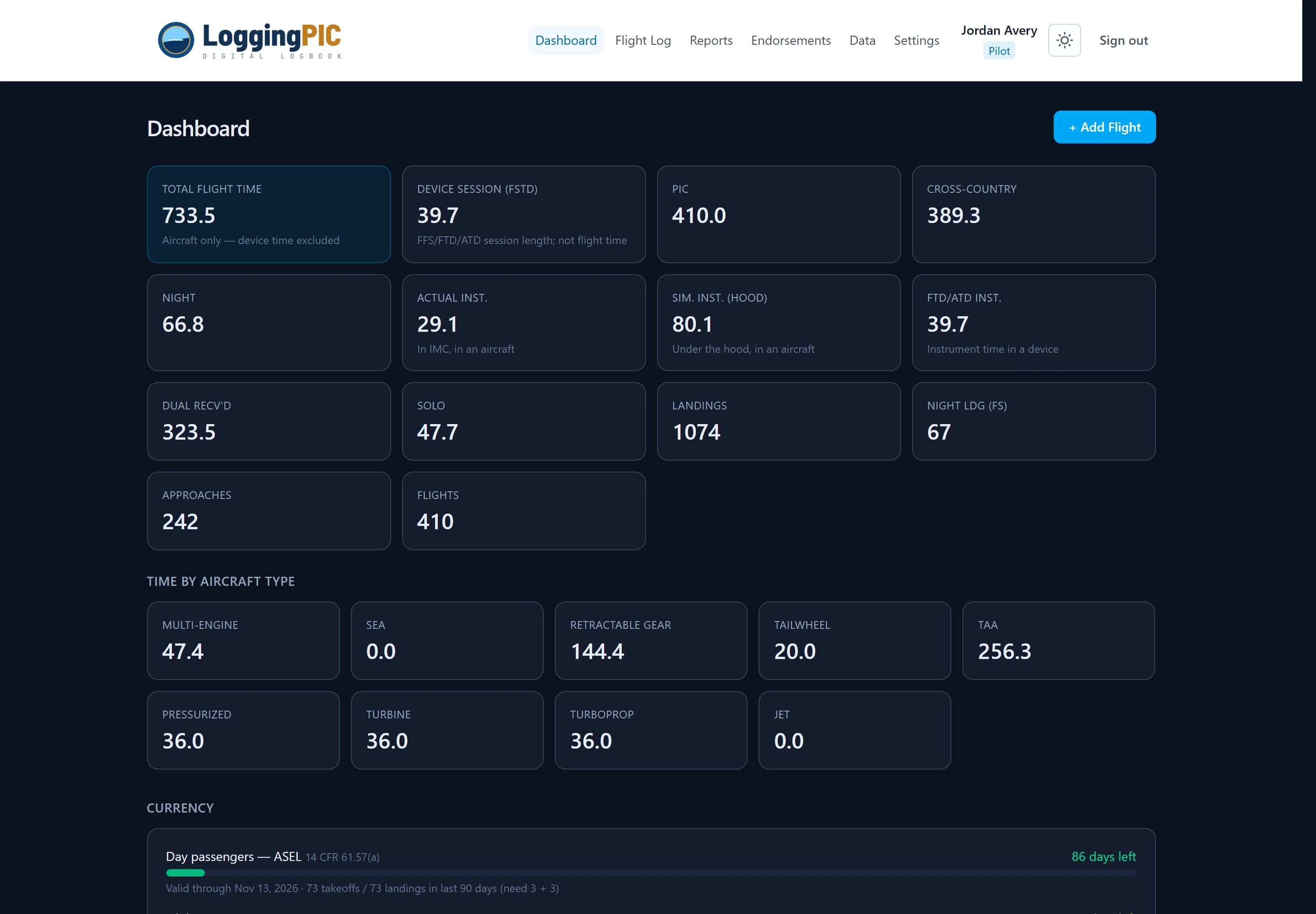
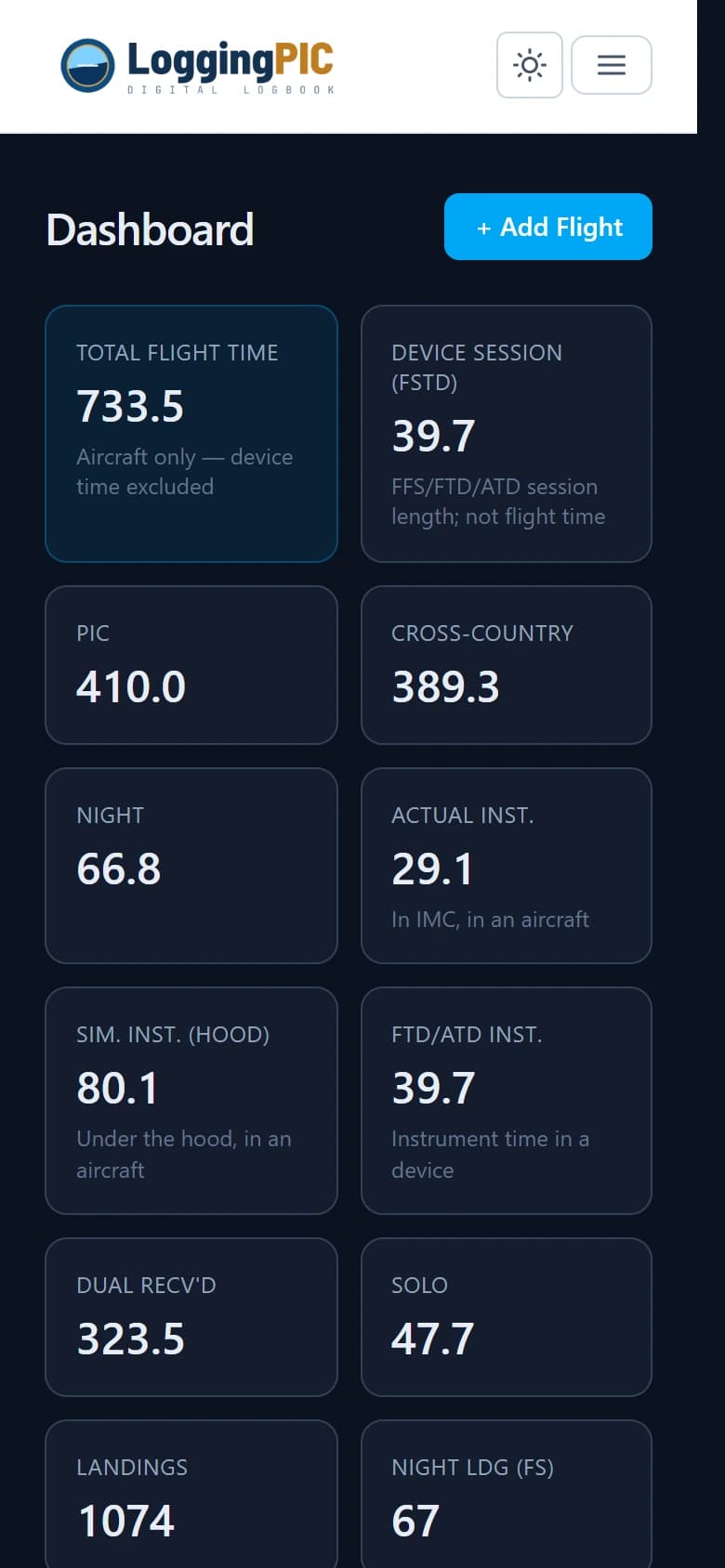
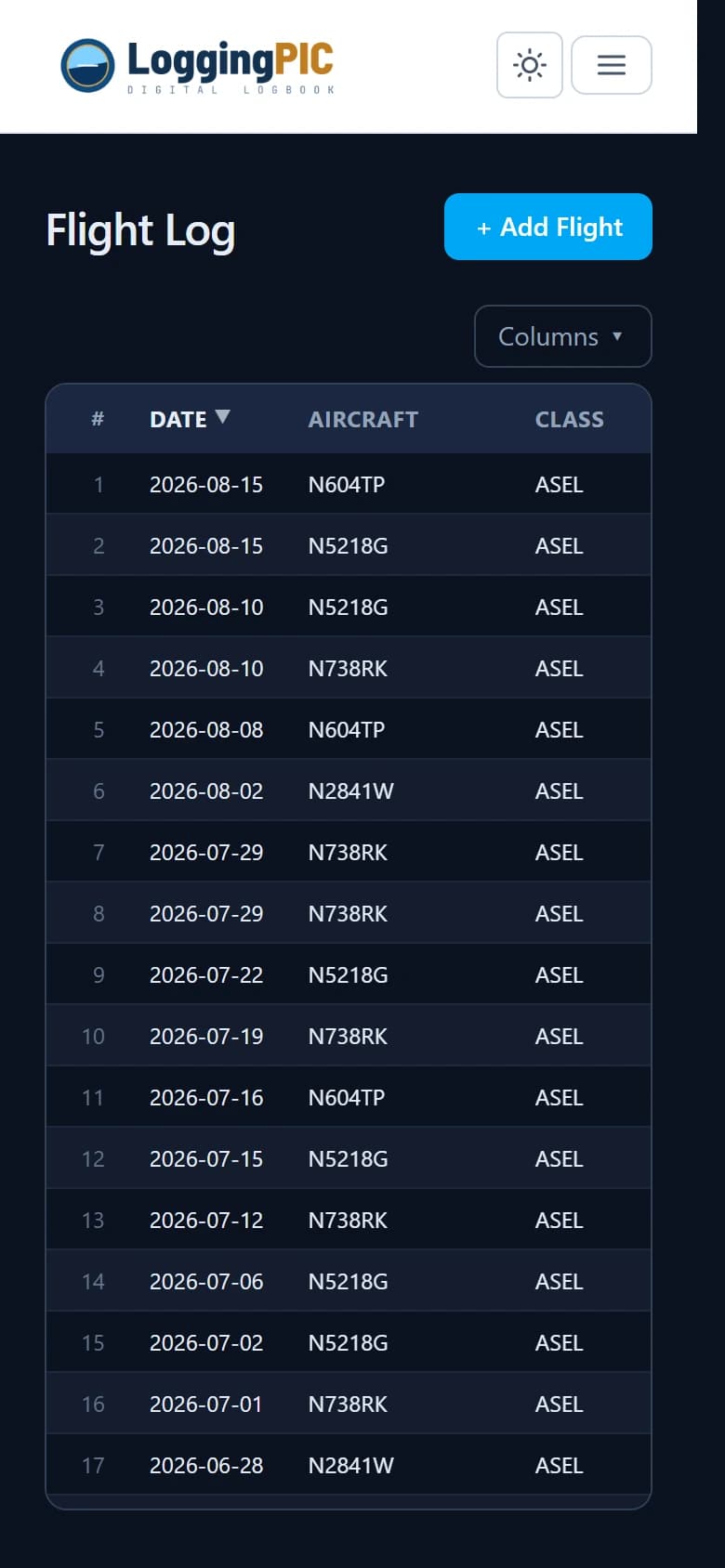
The same logbook on a laptop after the flight or a phone at the tiedown — no separate app to keep in sync, nothing to install. Light and dark themes follow your device, or you can pin the one you prefer.
Print views deliberately ignore the theme and come out ink-friendly, so a dark-mode logbook still prints like a logbook.
Free to use
Every feature, no charge, no credit card.
- ✓ Unlimited flights, aircraft and endorsements
- ✓ Every report, print view and export
- ✓ CFI e-signatures and endorsement scans
- ✓ Import from your current logbook app
- ✓ Your data is always yours to export as CSV
Honest heads-up: Logbook is free today, and it may not always be. We may introduce a paid subscription in the future. If we do, we'll give you plenty of notice — and you'll always be able to export your complete logbook to CSV, whether or not you subscribe. Your record stays yours.
Create your free logbookCommon questions
The full guide — 40 questions across logging, aircraft, currency, reports, endorsements, importing and pricing — lives on the Help & FAQ page.
Can I bring my existing logbook across?
Yes. Export a CSV from ForeFlight, Garmin Pilot, LogTen Pro or Logbook Pro — a plain spreadsheet CSV works too — and import it under Data → Import. The file is parsed in your browser first so you can review the detected columns and flight count before anything is saved. Missing aircraft are created for you, duplicates are skipped, and any import batch can be undone.
Do I have to do the arithmetic?
No. You enter the time buckets for a flight once; every total, split, currency window, and experience figure is derived from your flights rather than stored separately. Correct a flight and everything downstream corrects with it — there is no second place to keep in sync.
Is the currency panel legal advice?
Treat it as a helpful summary, not a compliance ruling. A few edge cases aren't modeled — type-rating recency, the 61.57(d) IPC and grace path, some full-stop tailwheel nuances, and medical downgrade-to-lower-class. You remain responsible for your logbook's accuracy.
Is the 8710 grid checkride-ready?
It organizes your aggregate time the way the FAA form expects, so it's in the right shape when you apply. Sub-requirements like specific cross-country legs and towered-airport landings aren't fully checked, so review it with your instructor or examiner before you submit.
How is simulator time handled?
FFS, FTD and ATD sessions are logged as device time and reported in their own blocks — they never count toward total flight time. Hood time in an aircraft and instrument time in a training device are separate fields, so the two never get confused.
Does it work on my phone?
Yes. Every page is responsive, the menu collapses to a standard mobile menu, and light and dark themes follow your device or your own choice.
What does it cost?
Right now, nothing — Logbook is free to use, with no credit card required. We may introduce a paid subscription in the future; if we do, we'll give you advance notice, and you'll always be able to export your complete logbook to CSV, whether or not you subscribe.
Is my data locked in?
No. Download a complete CSV of your flights, aircraft, and endorsements at any time — it imports into other logbook apps, and export stays available no matter what, including if a paid plan is introduced later.
Logbook helps you keep an accurate logbook; it does not replace the regulations. You remain responsible for the accuracy of your records and for confirming currency and experience against 14 CFR.
Ready to retire the paper logbook?
Import what you already have and log your next flight in a couple of minutes. It's free to use.